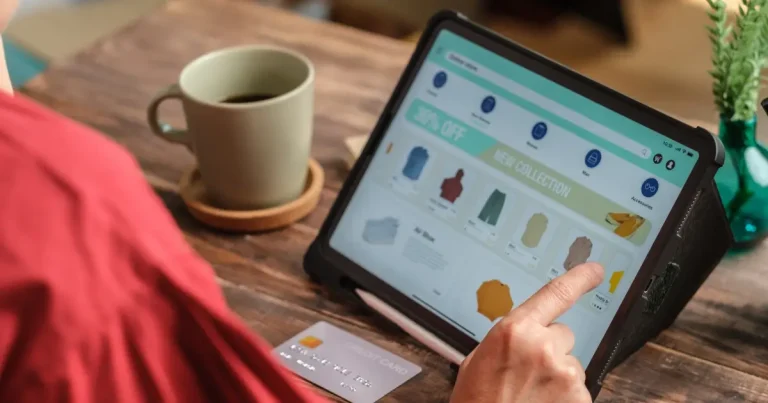


Is your current POS system a pain? Like trying to use a flip phone in the smartphone era? It’s time for a change!
Generic POS systems often cause more problems than they solve, costing you time and money. So, the solution is custom POS software. This software helps you to process sales transactions, manage inventory, track customer data, and generate reports.
Interesting, right? In this guide, we’ll explore how custom POS can make your business smoother and customers happier. You’ll learn about the key features, the benefits, and why custom POS software development might be your best business move. Let’s leave the frustration and get a POS that fits!
What is POS Software and How Does it Work?
POS software is the core of a point-of-sale system, combining hardware and software to manage sales. Think of it as a modern, powerful cash register. It allows you to:
- Calculate purchase amounts
- Add sales tax
- Process transactions
- Record payment date and time
- Generate digital or paper receipts
- Update inventory records
Gone are the days of manual tracking; a POS system development provides data for informed decisions. It simplifies operations, managing inventory, customers, staff, purchases, loyalty programs, and sales trends.
In fact, a survey revealed that 71% of restaurateurs use POS data to improve menus, payments, and digital engagement.
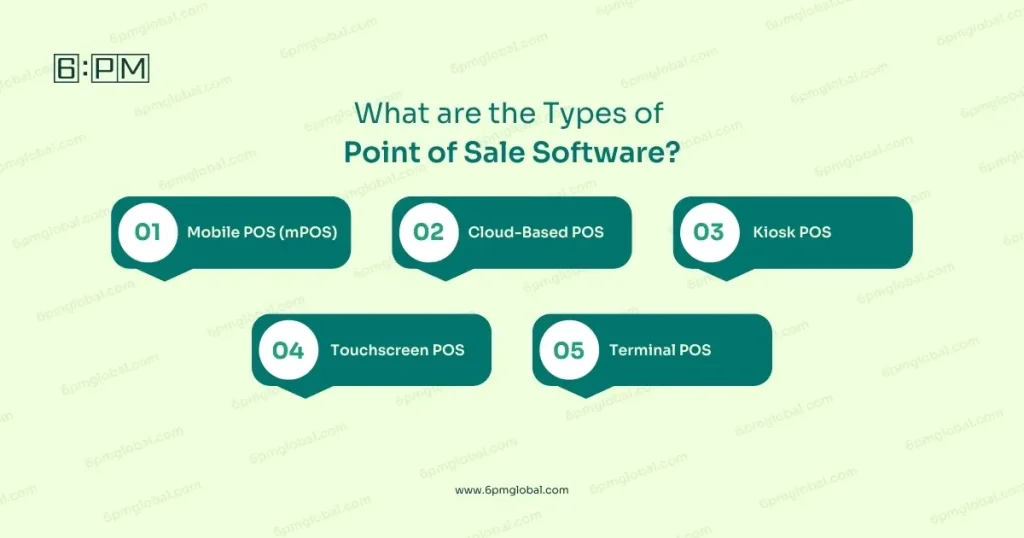
What are the Types of Point of Sale Software?
Choosing the right POS system depends on your specific needs. Here are 5 common types to consider:
Mobile POS (mPOS)
These systems are all about portability, turning smartphones or tablets into payment PoS terminals. They’re perfect for businesses that need to take payments on the go, like food trucks or market vendors, or anywhere that space is limited.
mPOS systems can also help you manage inventory and offer personalized service. This makes them versatile for many small businesses.
Cloud-Based POS
This type of system keeps all its data on the internet, not on a local device. That means you can access your business information from anywhere with an internet connection, which is great for businesses with multiple locations.
Plus, Cloud POS systems offer flexibility and real-time data, making it easier to manage your business remotely.
Kiosk POS
These self-service systems allow customers to place and pay for their orders without needing staff assistance. They’re great for places like fast-food restaurants or any business where you want to speed up service and offer a contactless option.
Also, Kiosks can reduce wait times and free up staff for other tasks, improving overall efficiency.
Touchscreen POS
Often running on tablets, these systems offer a user-friendly interface for a variety of businesses. They are adaptable and easy to move around, which is useful for restaurants or other businesses needing flexibility.
Moreover, Touchscreen POS systems make it easy for staff to manage orders and payments which simplifies the checkout process.
Terminal POS
These traditional systems use dedicated hardware and software and store data locally. They are often found in retail PoS stores and restaurants and are known for their reliability and comprehensive features.
While they offer less mobility than other options, they provide a sturdy PoS solution for businesses that need a stable and secure system.
Key Features of POS Software Development
A good point of sale system should simplify daily operations with helpful features. Let’s find out some essential ones:

Inventory Management
This feature lets you track stock, organize products, get low-stock alerts, and manage barcodes. It helps keep your shelves stocked without over-ordering, saving time and money.
Payment Processing
Your POS should accept different payment types, like cards and digital wallets, with options for splitting bills. Flexible payments make it easier for customers to buy from you which improves sales.
Reporting and Analytics
Reporting and analytics provide daily sales reports, insightful data, and custom reports. This enables informed decisions about pricing, promotions, and product stocking that optimize retail business performance.
Customer Management
With customer management, create profiles, track purchase history, and personalize offers. This helps build customer loyalty and encourages repeat business by providing a more personalized experience.
A report by Grand View Research says that, The global point-of-sale software market size was valued at USD 11.99 billion in 2022 and is estimated to register a compound annual growth rate (CAGR) of 10.8% from 2023 to 2030.
Employee Management
Manage employee accounts, track hours, set permissions, and create staff reports. This feature helps you keep track of your team and protect sensitive business information.
Order Management
Handle orders with customizations, manage tables in restaurants, and use digital ordering. This makes it easier to serve customers quickly and accurately, especially during busy times.
Integrations
Connect with PoS hardware like printers and card readers and third-party services such as delivery apps or PoS applications. This extends the capabilities of your point of sale which makes your business run more smoothly.
Additional Features
Consider things like offline mode, kitchen display systems, and dark kitchen support. These extra features can make a big difference depending on your specific business needs.
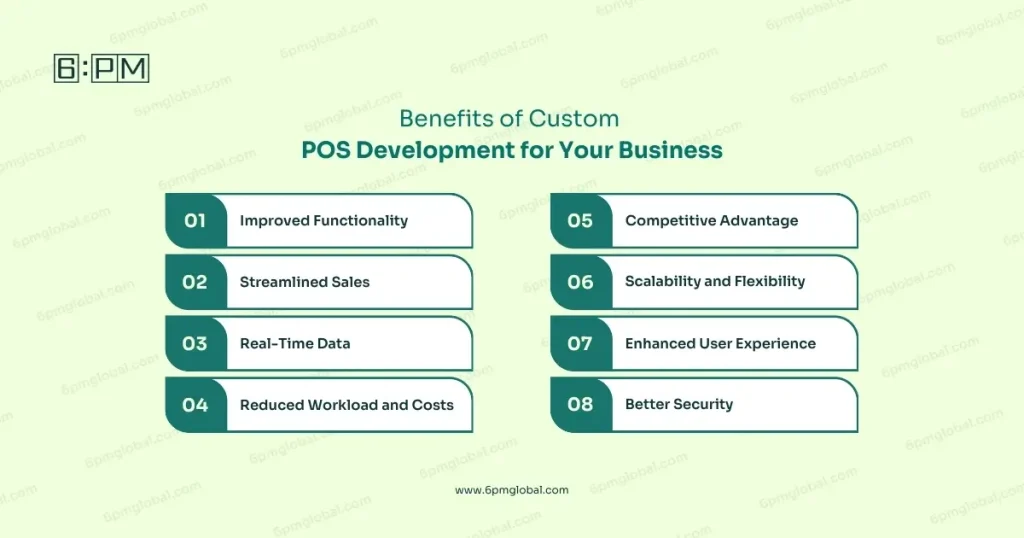
Benefits of Custom POS Development for Your Business
Custom POS systems have many advantages that can help your business grow. Here are some key benefits to consider:
Improved Functionality
A custom POS system is made to fit your specific needs, making your business flow better. It ensures the software works exactly how you need it to, unlike generic systems.
Streamlined Sales
Sell your products from anywhere using mobile POS, reaching more customers than before. This can expand your business beyond a physical location and increase sales.
Real-Time Data
Get immediate access to sales data with dashboards, helping you make smart business decisions quickly. This data can help you track trends and plan for the future.
In fact, a study by the International Data Corporation (IDC) found that 79% of organizations that use real-time analytics report improved business outcomes.
Reduced Workload and Costs
Automate tasks, cut down expenses, and boost overall efficiency with a custom POS. You won’t be tied to ongoing licensing fees for third-party software, saving money long-term.
Competitive Advantage
Stand out from the competition with a unique POS system that fits your brand. You can provide a better, more customized experience for your customers and gain an edge in the market.
Scalability and Flexibility
Custom POS software can easily grow with your business and adapt to new technologies. You won’t be limited by off-the-shelf options and can continuously evolve.
Enhanced User Experience
Custom interfaces make the system easy for your employees to use, reducing training time. This also leads to fewer errors and more efficient transactions.
Better Security
Custom systems have high-level security to protect your sensitive data and prevent breaches. Security is essential to build customer trust and safeguard your reputation.
Cost of Developing Custom POS System
The cost of custom POS software varies based on several factors. Here’s a breakdown to help you understand what influences the price:
- PoS App Development Platform: Choosing between iOS, Android, or a web-based platform affects the cost, with some platforms potentially costing more to develop. The complexity of the platform you chose influences development and maintenance expenses.
- Number of Features: The more features you add, the higher the cost will be. Basic systems with only sales tracking are cheaper than advanced systems with inventory management and loyalty programs. Adding advanced functionality like customer loyalty programs requires more development time and resources.
- Third-Party Integrations: Connecting your POS with other services, like payment gateways or accounting software, increases the cost. Each integration requires developer work to ensure smooth data flow between systems.
- Development Team: The location and experience of the team you hire can significantly affect the cost. Teams in some countries may have different hourly rates, impacting the overall project expense.
- Timeline: The longer the system development takes, the higher the cost will be. Complex systems need more time, which increases the development budget. More complex systems require more time, which leads to higher costs.
- Basic vs Advanced Systems: A basic system with core functionalities costs approximately $40,000 to $45,000, while advanced systems with mobile compatibility range from $65,000 to $100,000. Keep in mind that these are just estimates, and your actual costs may vary.
Related Article: Custom Development vs Packaged Software: A Comparison Guide
In addition to the above, be aware that POS systems have recurring costs that need to be factored in:
- Software: POS software costs range from $0 per month for basic cloud subscriptions to $250 a month or more for more advanced cloud software solutions. There are also options for one-time payment software purchases that may cost anywhere between $2,000 and $10,000.
- Hardware: Hardware costs can start from $1,300 and include items like card readers, receipt printers and cash drawers. You will need to factor these in when considering a POS system.
Final Verdict
In short, custom POS software development is an excellent solution for your business. It allows you to create a system that perfectly fits how you work. By thinking about what your business needs, picking the right features, and partnering with a good development team, you can build a POS that not only makes daily tasks easier but also helps your business grow.
Therefore, investing in a custom solution gives you more control, flexibility, and a way to stay ahead of the competition. Ultimately, it’s an investment that empowers your business to succeed.
So are you ready to change your business with a custom POS? Contact the experts CTO & Developer network team at 6PM Global to explore how they can create the perfect solution for you.
FAQs
What is the difference between cloud and on-premise POS systems?
Cloud POS stores data online, accessible anywhere, while on-premise POS stores data locally on your servers. Cloud systems are flexible, while on-premise offers more control.
What are the benefits of a mobile POS system?
Mobile POS (mPOS) systems use tablets or smartphones, allowing you to process transactions on the go, which offers flexibility and convenience. They are perfect for businesses that serve customers in different locations.
Can custom POS integrate with my accounting software?
Yes, a custom POS system can be integrated with your existing accounting software, making it easier for the management system of your finances. This integration helps ensure consistency across multiple platforms.
What is a scalable POS system?
A scalable system can grow with your business, handling increased transactions and new features without issues. It’s designed to adapt and expand as your business evolves.
How secure is a custom POS system?
Custom POS systems have high-security measures to protect sensitive data and prevent breaches. They use encryption and access controls to ensure the safety of both your data and your customer’s information.